
Back to blog
SaaSAIArchitectureNext.jsTypeScript
Building an AI-Powered SaaS Platform: Architecture Deep Dive
A comprehensive walkthrough of architecting, building, and deploying a production-grade AI SaaS platform with modern full-stack tools.
3 min read·Talha Bilal
The Vision
Every great SaaS product starts with a clear architectural foundation. In this post, I'll walk through the key decisions and patterns behind building TickMate — an AI-powered support ticket management platform that serves as a reference architecture for modern AI SaaS.
System Architecture
The system follows a clean modular monolith pattern with clear separation of concerns:
Frontend Layer
The frontend uses Next.js 16 with the App Router, providing server components by default for optimal performance. All data fetching happens on the server, with client components isolated to interactive pieces.
typescript
1// Example: server component pattern2export default async function TicketPage({ params }: { params: { id: string } }) {3 const ticket = await getTicket(params.id);4 return <TicketDetail ticket={ticket} />;5}Backend API Layer
The Express backend follows a controller-service-repository pattern:
| Layer | Responsibility | Example |
|---|---|---|
| Controller | HTTP handling, validation | ticketController.ts |
| Service | Business logic | ticketService.ts |
| Repository | Data access | ticketRepository.ts |
AI Integration
The AI pipeline is the heart of the system. Every ticket gets analyzed automatically using a multi-step chain.
Rendering diagram...
Key Design Decisions
Why Inngest for Background Jobs?
Traditional job queues require managing Redis, Bull, or similar infrastructure. Inngest provides:
- Zero-infrastructure background jobs
- Automatic retries with exponential backoff
- Observability out of the box
- Type-safe function definitions
Vector Search with Qdrant
For finding related resolved tickets, we use Qdrant — a vector database optimized for similarity search:
python
1# Conceptual vector search flow2embeddings = openai.embeddings.create(3 input=ticket.description,4 model="text-embedding-3-small"5)6results = qdrant_client.search(7 collection_name="tickets",8 query_vector=embeddings.data[0].embedding,9 limit=510)Note: Production deployments should cache embeddings to avoid redundant API calls and control costs.
Testing Strategy
A comprehensive testing strategy covers three levels:
- Unit tests for service layer
- Integration tests for API endpoints
- E2E tests for critical user flows
- Load tests for AI pipeline
Example Integration Test
typescript
1describe("Ticket Analysis Pipeline", () => {2  it("should classify priority correctly", async () => {3    const ticket = await createTestTicket({4      description: "Payment system is down for all users",5    });6
7    const result = await analyzeTicket(ticket.id);8
9    expect(result.priority).toBe("critical");10    expect(result.skills).toContain("payments");11  });12});
Deployment Architecture
The production deployment uses a multi-container setup:

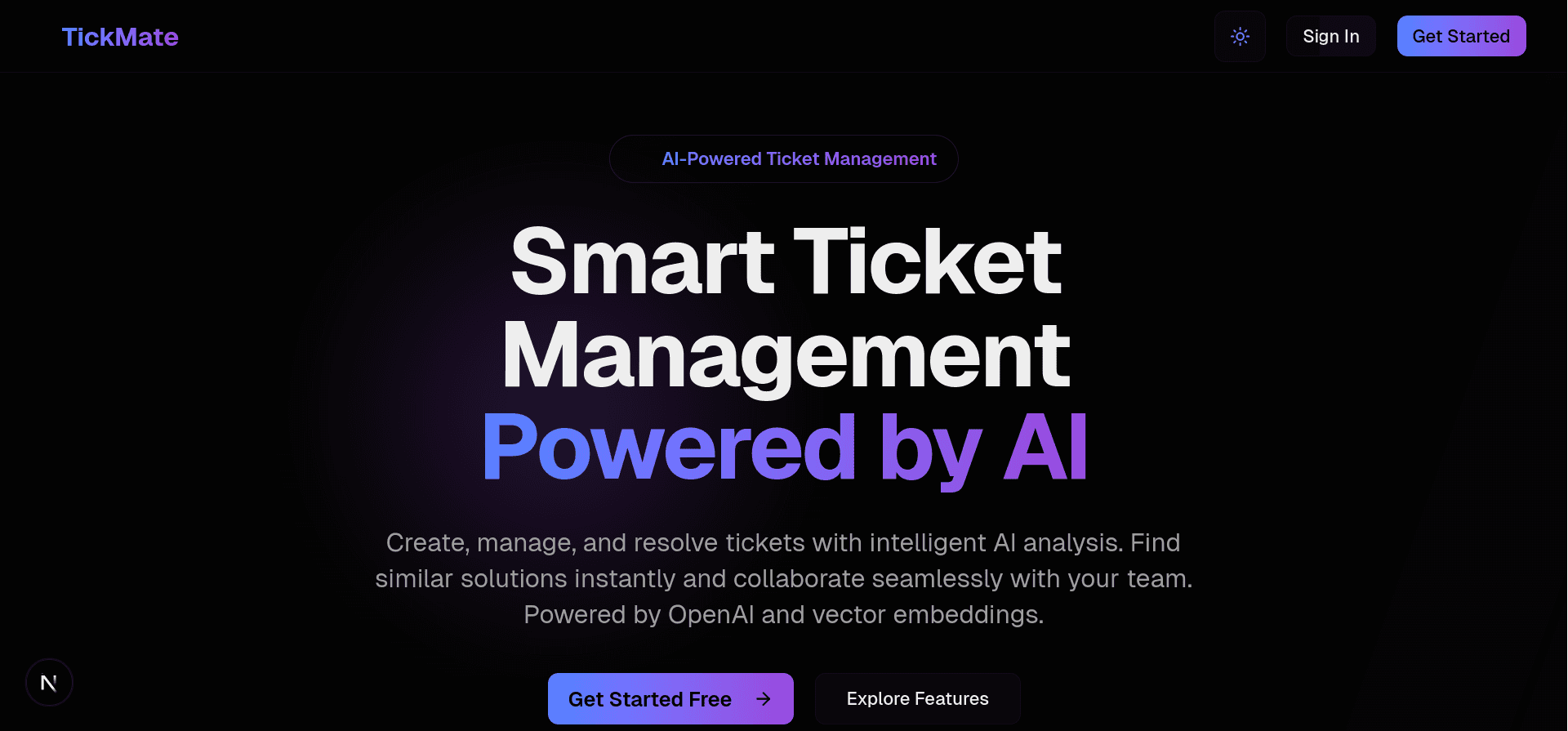
Figure 1: TickMate landing page — the production AI SaaS platform built with this architecture.
Key Takeaways
- Start with the data model — everything else follows from how your data is structured
- Separate AI concerns — keep AI processing async and decoupled from the main request flow
- Test the AI pipeline — use deterministic fixtures and mock the LLM responses
- Monitor everything — AI systems need observability at every stage
Next Steps
If you're building an AI SaaS, here's what I'd recommend:
- Define your core data model first
- Implement the basic CRUD without AI
- Add AI features as an async layer
- Optimize only after measuring
Have questions about building AI SaaS platforms? Feel free to reach out through the contact form.