Talha Bilal — Full-Stack Developer & AI Engineer
Home
Skills
Projects
Blog
About
FAQ
Contact
Github
LinkedIn
Twitter
Resume
View ProjectsContact Me
    1. Home
    2. /
    3. Blog

    Talha Bilal

    Building scalable backend systems and AI-powered applications.

    Available for freelance & remote work
    • Projects
    • Services
    • Blog
    • Contact
    contact@talhabilal.dev

    Follow Me

    © 2026 Talha Bilal. All rights reserved.

    Built with Next.js & TypeScript

    Loading article...

    Step-by-Step Guide to Setting Up Nginx with HTTPS on Ubuntu for Node.js Apps
    Step-by-Step Guide to Setting Up Nginx with HTTPS on Ubuntu for Node.js Apps — article by Talha Bilal
    DevOps

    Step-by-Step Guide to Setting Up Nginx with HTTPS on Ubuntu for Node.js Apps

    Talha Bilal
    Talha Bilal
    Mar 28, 20268–10 minutes
    1. Home
    2. /
    3. Blog
    4. /
    5. Step-by-Step Guide to Setting Up Nginx with HTTPS on Ubuntu for Node.js Apps
    Share your thoughts:

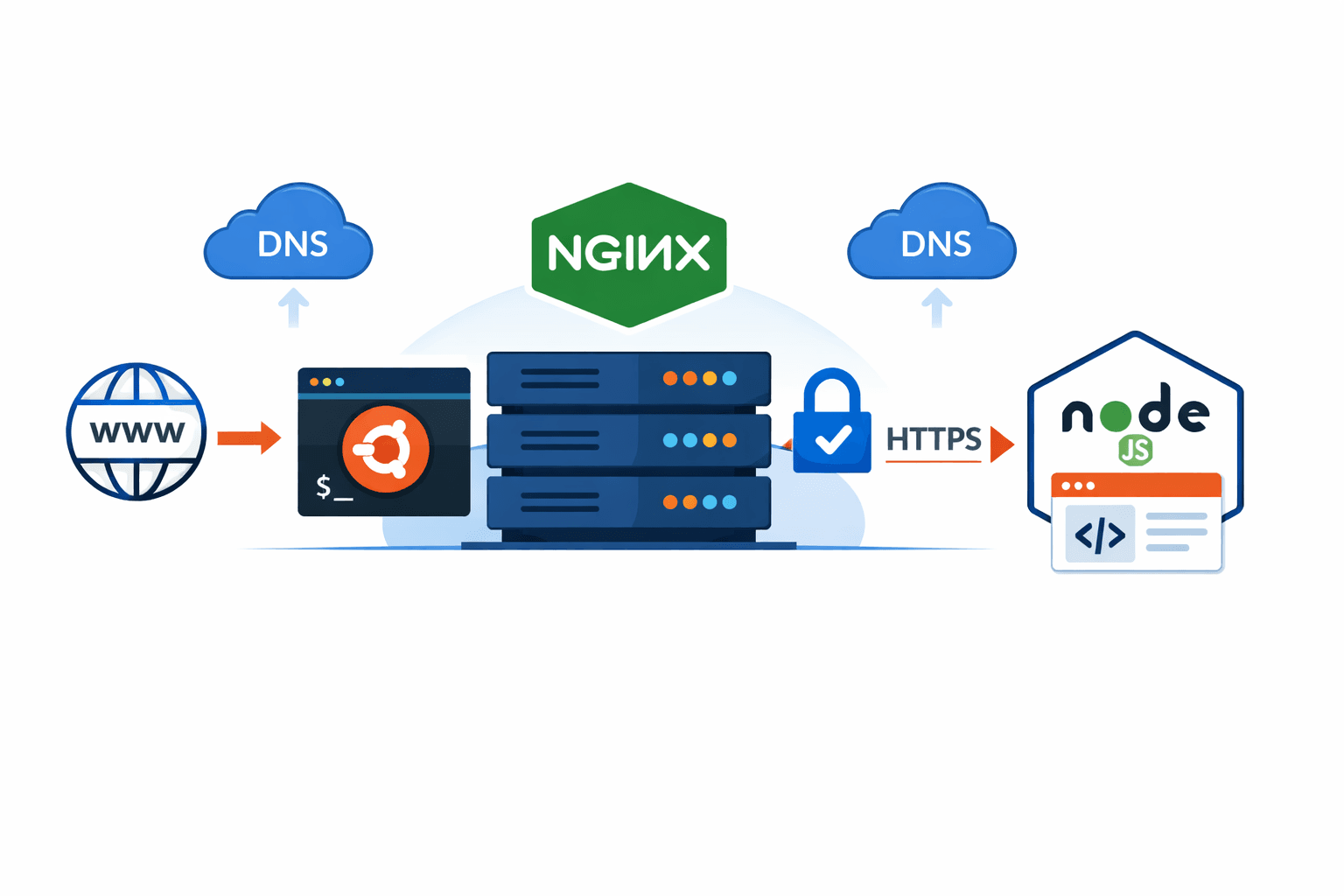
    Learn how to set up Nginx on Ubuntu, secure your Node.js apps with HTTPS using Certbot, and configure your server for production-ready deployments.

    Step-by-Step Guide to Setting Up Nginx with HTTPS on Ubuntu for Node.js Apps

    Deploying your Node.js application to a production server requires a solid setup with a reverse proxy and HTTPS. In this guide, we’ll walk through installing Nginx, configuring it for Node.js, and securing it with a free SSL certificate from Let’s Encrypt using Certbot.

    1. Prerequisites

    Before you start, make sure you have:

    • An Ubuntu server (18.04 or later).
    • Root or sudo access.
    • Your Node.js application ready and running locally (we’ll assume it runs on port 3000).
    • A domain name pointing to your server’s IP (you can manage DNS via Cloudflare or any provider).
    • Docker installed if you’re using containers (optional but recommended).

    2. Install Nginx

    Update your packages and install Nginx:


    sudo apt update
    sudo apt install nginx -y

    Start and enable Nginx to run on boot:

    sudo systemctl start nginx
    sudo systemctl enable nginx

    Check the status:

    sudo systemctl status nginx

    You should see active (running).

    3. Configure Nginx as a Reverse Proxy

    We’ll route incoming requests to your Node.js app running on port 3000.

    1. 1Create a new config file for your app:

    sudo vim /etc/nginx/sites-available/myapp.conf

    2. Add the following configuration (replace myapp.example.com with your domain):

    server {
    listen 80;
    server_name myapp.example.com;

    location / {
    proxy_pass http://127.0.0.1:3000;

    proxy_http_version 1.1;
    proxy_set_header Upgrade $http_upgrade;
    proxy_set_header Connection 'upgrade';

    proxy_set_header Host $host;
    proxy_cache_bypass $http_upgrade;

    proxy_set_header X-Real-IP $remote_addr;
    proxy_set_header X-Forwarded-For $proxy_add_x_forwarded_for;
    }
    }

    3. Enable the site and reload Nginx:

    sudo ln -s /etc/nginx/sites-available/myapp.conf /etc/nginx/sites-enabled/
    sudo nginx -t
    sudo systemctl reload nginx

    Test your domain:

    curl http://myapp.example.com

    You should see your Node.js app response.

    4. Open Firewall Ports (if needed)

    If using UFW:

    sudo ufw allow 'Nginx Full'
    sudo ufw allow 3000
    sudo ufw status

    Make sure ports 80 (HTTP) and 443 (HTTPS) are open.

    5. Install Certbot for HTTPS

    Certbot simplifies getting a free SSL certificate from Let’s Encrypt:

    sudo apt install certbot python3-certbot-nginx -y

    Run Certbot:

    sudo certbot --nginx -d myapp.example.com

    Follow prompts to verify your domain and automatically configure HTTPS.

    Check certificate status:

    sudo certbot certificates

    6. Automatic Certificate Renewal

    Let’s Encrypt certificates are valid for 90 days. Enable automatic renewal:

    sudo systemctl status certbot.timer

    Test renewal:\

    sudo certbot renew --dry-run

    7. Optional: Deploy Multiple Apps on Same Domain

    If you want to host multiple apps on the same server:

    • Use subdomains like api.example.com or n8n.example.com.
    • Point all subdomains to the same server IP.
    • Create separate Nginx server blocks for each subdomain.

    Nginx will handle routing requests to the correct backend service.

    8. Final Check

    Visit your domain in a browser:

    https://myapp.example.com

    You should see your Node.js app running securely with HTTPS.

    Verify HTTPS using tools like SSL Labs to ensure proper configuration.

    ✅ Summary

    • Installed Nginx and configured it as a reverse proxy.
    • Routed your domain to a Node.js app.
    • Secured your app with HTTPS using Certbot.
    • Configured firewall and optional multiple subdomain routing.

    Now your Node.js application is production-ready with a secure server setup!

    Article Tags

    • #
    • #Nginx
    • #Certbot
    • #HTTPS
    • #Ubuntu
    • #Reverse Proxy
    • #Production Deployment

    Join the Discussion

    Comments (0)

    No comments yet. Be the first to share your thoughts!