Loading project...

Loading project...
Zero-configuration CLI to scaffold production-ready Node.js backends in under 30 seconds
A concise look at the project, its purpose, and its value.
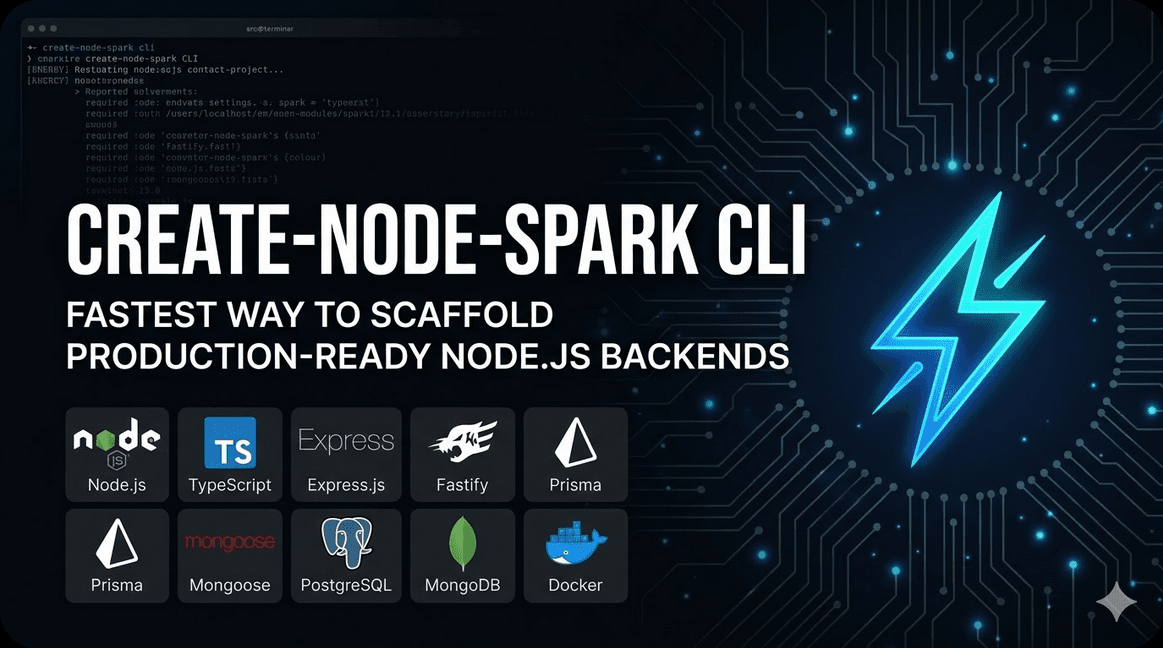
Create Node Spark is a CLI tool that scaffolds production-ready Node.js backends with zero configuration. It supports multiple databases (MongoDB, MySQL, PostgreSQL), multiple frameworks (Express, Fastify), TypeScript by default, and lets you go from zero to a deployable REST API in under 30 seconds.
Node.js developers who want to quickly bootstrap production-quality backend projects without spending time on repetitive setup — folder structure, database connection, error handling middleware, logging, and configuration management.
Eliminates the 30-60 minute setup time for every new Node.js project. Enforces consistent project structure across teams. Includes production patterns (structured logging, centralized error handling, environment configuration) out of the box.
I was tired of setting up the same folder structure, database connections, and middleware for every new Node.js project. I wanted a tool that would scaffold a complete, production-ready foundation so I could start writing business logic immediately.
Starting a new Node.js backend project involves the same repetitive setup every time: folder structure, package.json configuration, TypeScript setup, database connection, error handling middleware, logging, environment configuration, and API structure. This takes 30-60 minutes per project and the setup is error-prone.
The impact: Developers waste hours per project on boilerplate. Team projects have inconsistent structures. Common issues like missing error handlers or misconfigured database connections happen in every project. Setting up CI/CD requires additional configuration. The friction discourages prototyping and experimentation.
Create Node Spark provides an interactive CLI that asks a few questions (framework, database, ORM) and generates a complete, production-ready backend project. The scaffolded project includes TypeScript configuration, database connection with pooling, structured error handling middleware, Winston logging, environment validation with Zod, and a clean API structure following best practices.
What this project can do
One command creates a complete, production-ready backend. No configuration files to edit before the first run.
Choose from MongoDB (Mongoose), MySQL (Prisma/TypeORM), or PostgreSQL (Prisma/TypeORM). Database connection configured automatically.
Express or Fastify — pick your preferred framework. Generated code follows each framework's best practices.
All generated projects use strict TypeScript with proper tsconfig, path aliases, and type definitions for all modules.
Clean interactive prompts with arrow key navigation, sensible defaults, and live preview of selected options.
Built-in CORS, Helmet security headers, rate limiting, compression, and request logging. Ready for deployment.
Centralized error handling middleware with structured error responses. Custom error classes for different error types.
Optional Docker setup with multi-stage builds. Docker Compose configuration for local development with databases.
Visual walkthrough of the project
How the system is designed and how components interact
Create Node Spark is a CLI application built with Node.js. It uses Inquirer.js for interactive prompts, EJS for template rendering, and Commander.js for command parsing. The scaffolding engine reads template files, applies conditional logic based on user selections, and writes the output to the target directory.
Visual overview of system design, data flow, and key processes
Flow of the CLI scaffolding process from user input to generated project output.
The technologies used to build this project
The hard problems that needed solving
How the system is designed for speed and scale
The scaffold operation completes in under 2 seconds for any project configuration. Template rendering is synchronous and optimized for minimal I/O operations.
The CLI itself has only 4 production dependencies. All generated projects include only essential production dependencies — no bloat.
Generated projects include optimized tsconfig, proper Node.js module resolution, and tree-shakeable imports. No unnecessary runtime overhead.
How the system is protected
The CLI only writes files to disk. It never executes or evaluates generated code during the scaffolding process.
All generated projects include .env.example files with documented variables. Secrets are never hardcoded in the scaffolded code.
Scaffolded projects include Helmet security headers, CORS configuration, rate limiting, and input validation as standard middleware.
What I learned building this project and what I'd do differently
A surprising number of issues only appear on specific platforms. Path separators, shell differences, and permission models caused bugs that didn't show up during macOS-only development.
The most successful aspect of the tool is the sensible defaults. Developers can press enter through all prompts and get a great setup. Offering too many choices would defeat the purpose.
Keeping templates up to date with library API changes, security patches, and best practices requires ongoing maintenance. Adding automated testing for each framework version helps.
I'd add support for WebSocket scaffolding, GraphQL API option, serverless deployment configs (Vercel, AWS Lambda), and a plugin system for community-contributed templates.
Other projects you might find interesting
I build developer tools that eliminate repetitive work. Let's discuss the tools your team needs.